
Available with credits · No watermark
GPT Image 2
GPT Image 2 supports everyday edits and is required for transparent background removal.
Before and after examples
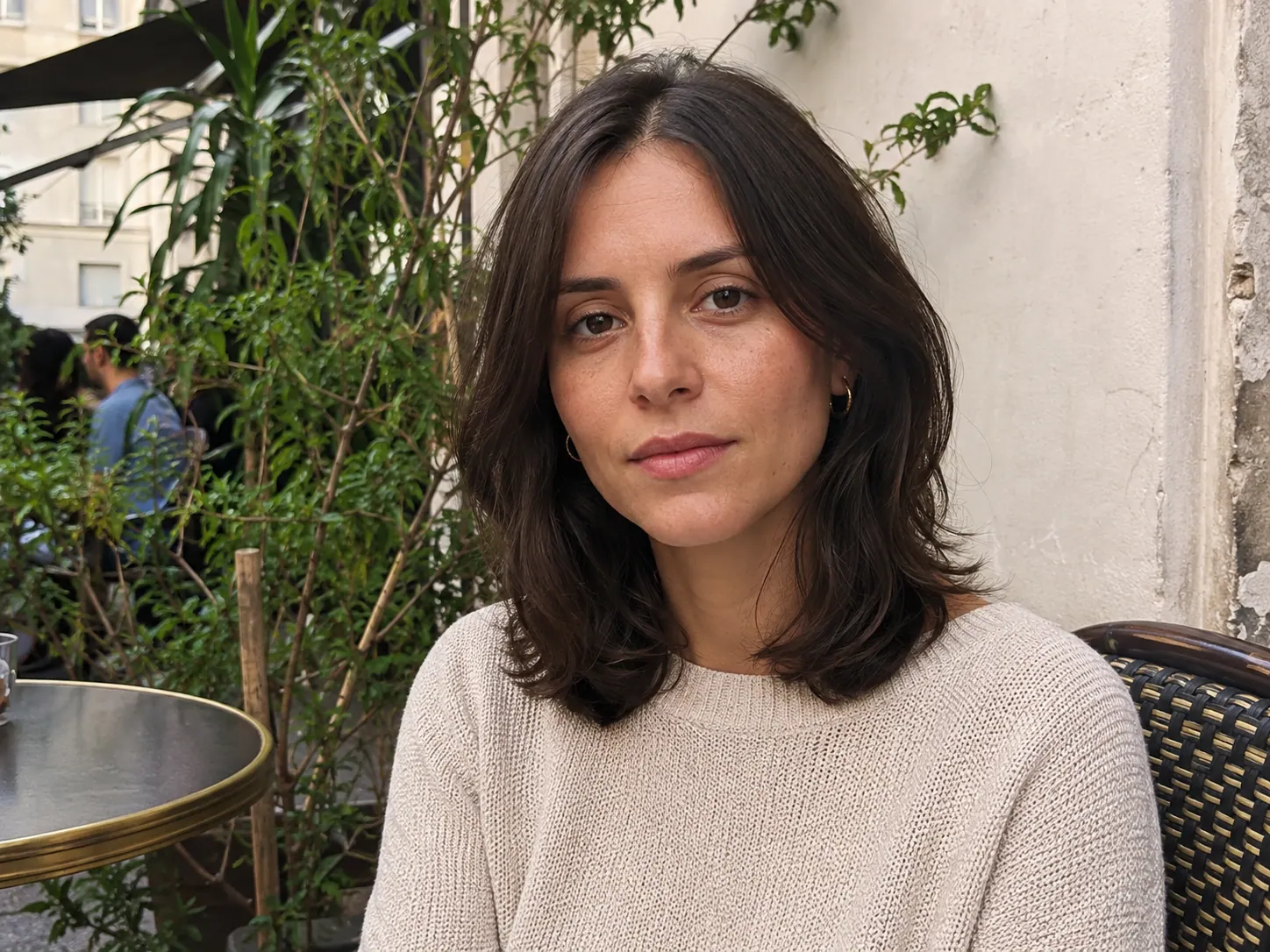 Before
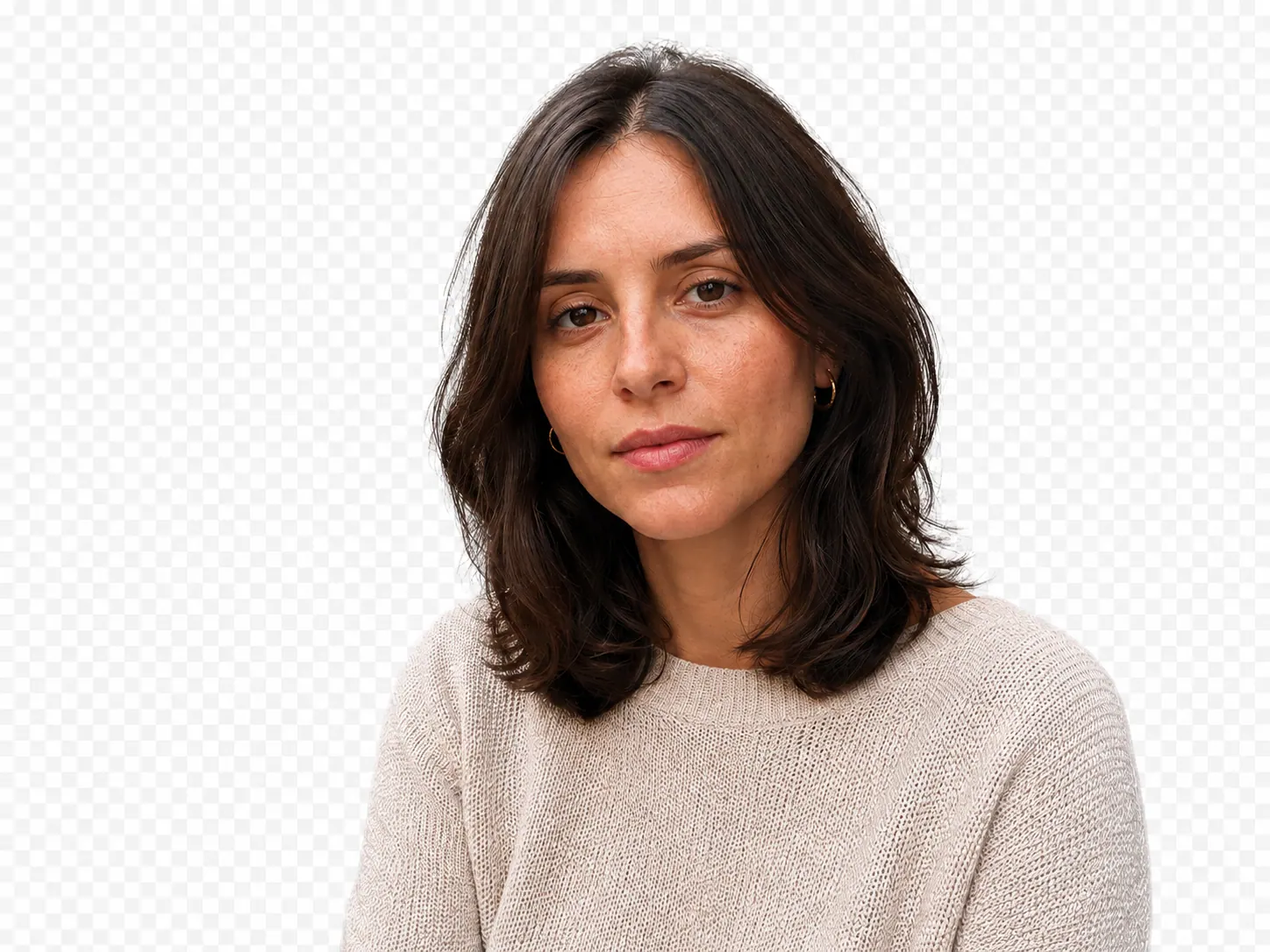 After
AfterHow it works
- 1Upload PNG, JPEG, or WebP images up to 24 MB each.
- 2Review the visible default prompt and edit it for your image.
- 3Generate, then download the result from the same workspace.
Best for, and limits to know
- Output is governed by the compatible task and aspect-ratio choices shown in the editor.
- Exact text, logos, and trademarks may not reproduce reliably.
Keep editing
GPT Image 2 FAQ
Continue when you need more edits.
Start with free Credits. Monthly and annual subscriptions or a one-time pack are available when you need more generations.
View pricing